 In closed testing
Android app · In closed testing
ScannerNext
From paper to digital document, on your phone.
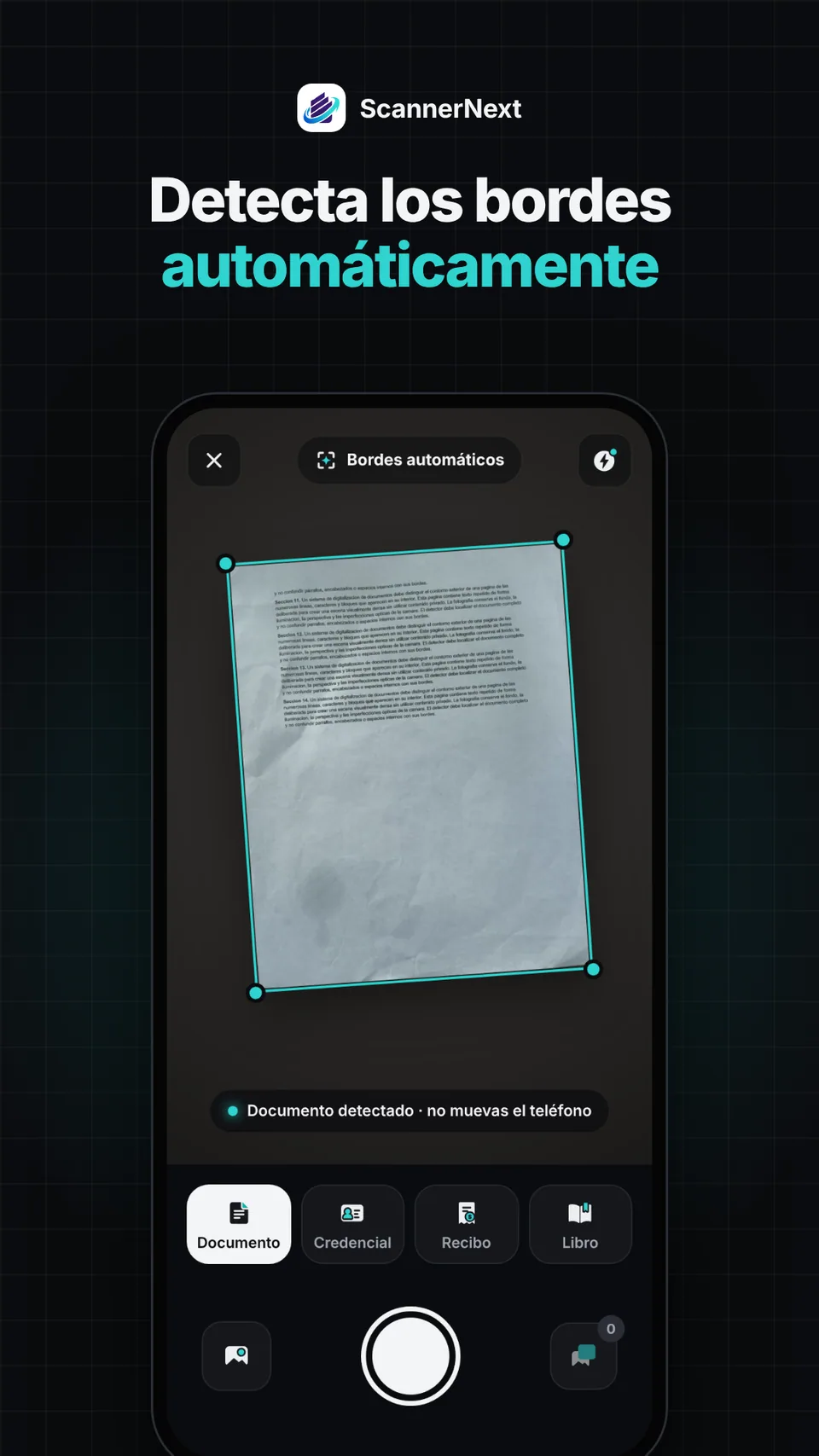
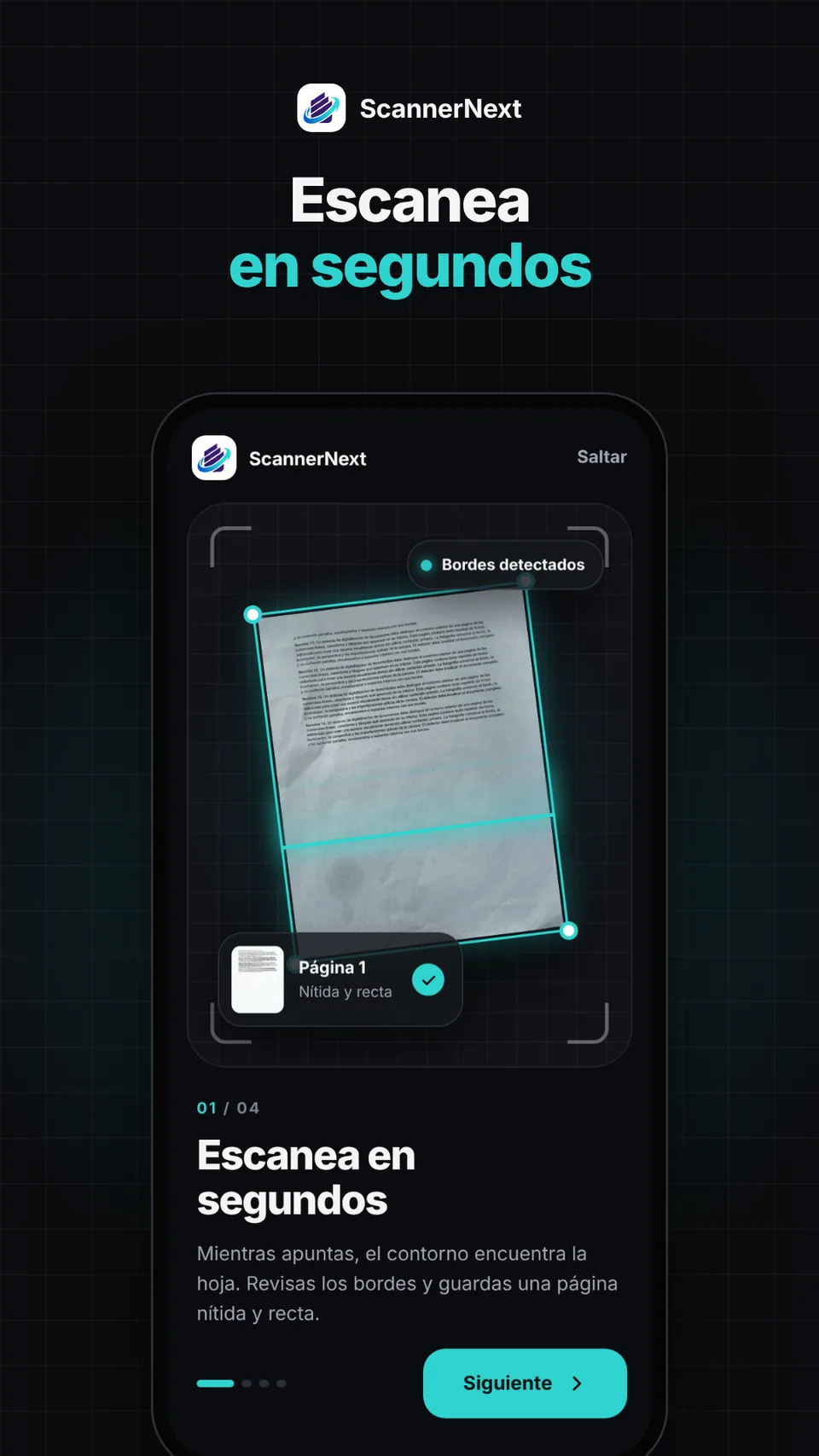
A document scanner that works offline and without an account: it detects the edges of the page, corrects perspective and saves crisp pages.
ScannerNext is in closed testing and not yet publicly available on Google Play.
Swipe, use the arrow keys or the dots
 ScannerNext In closed testing
Your scanner, taken further
Pick a feature to see it on the phone.
ScannerNext is in closed testing and not yet publicly available on Google Play.
Planned capabilities
Built for real-world paperwork
-
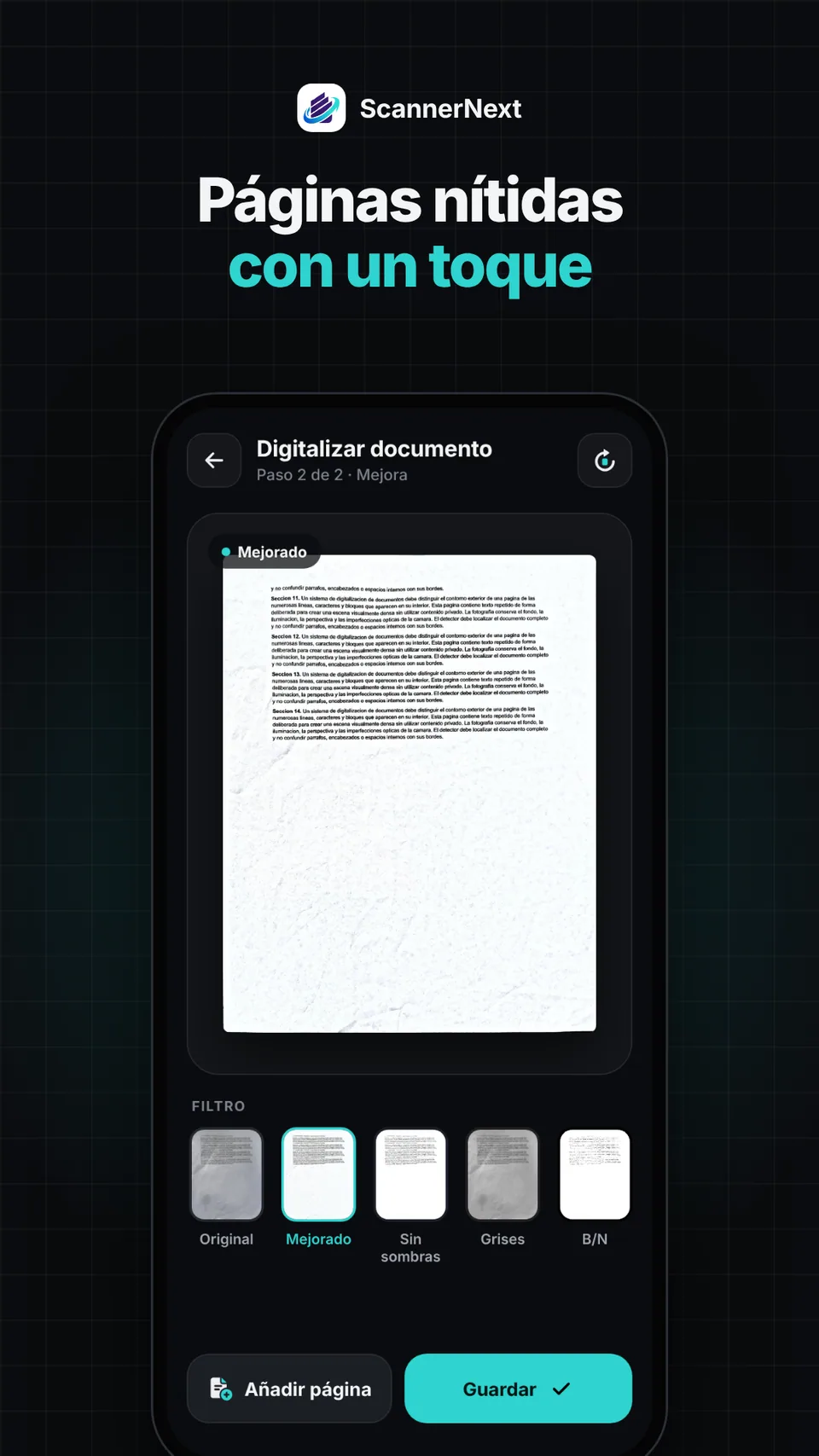
 Smart capture Detects page edges, corrects perspective and saves crisp pages.
-
 On-device text recognition Text is recognised on the phone so you can search, copy or export it.
-
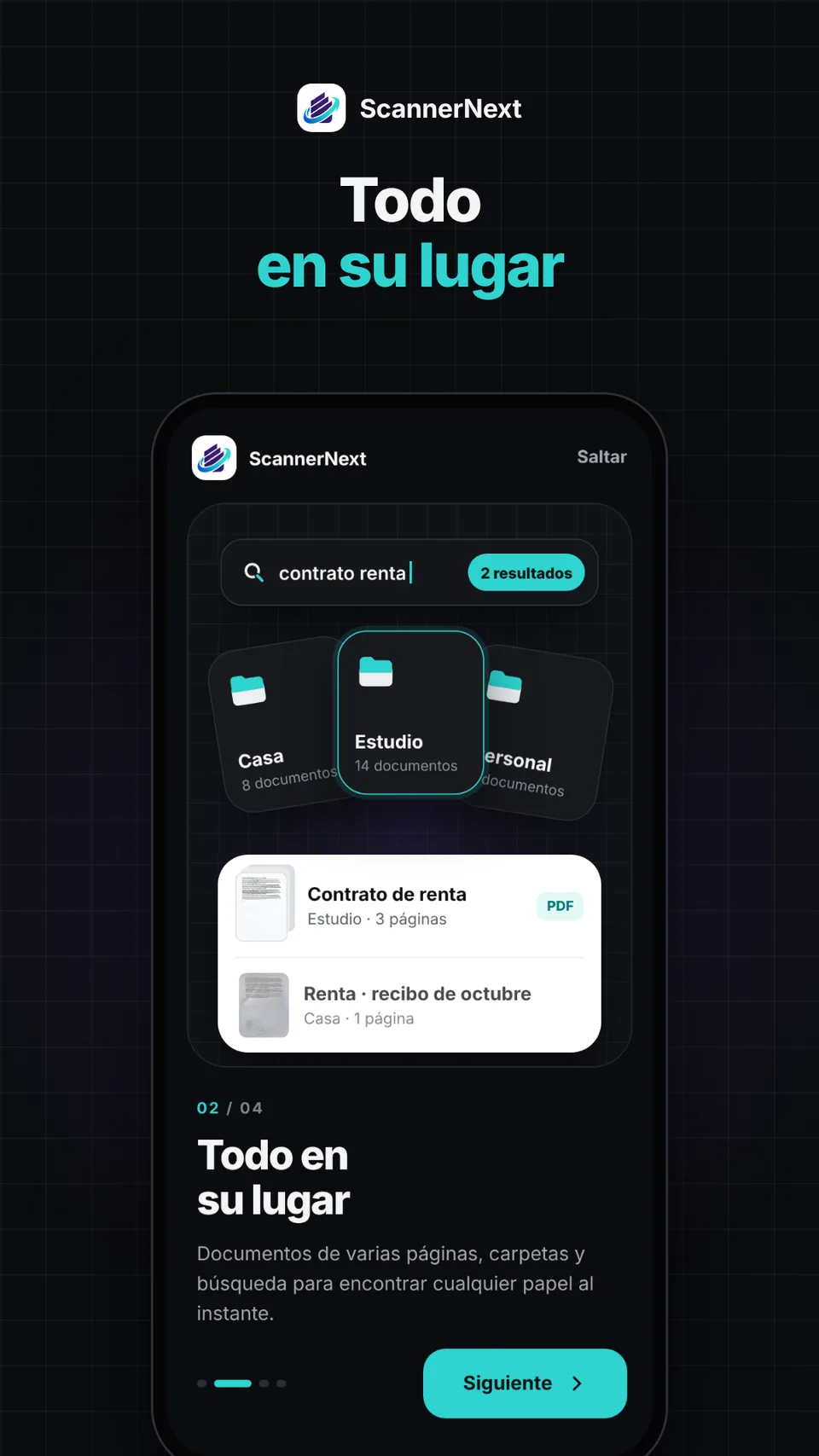
 Folders, tags and search Organise your documents and find them when you need them.
-
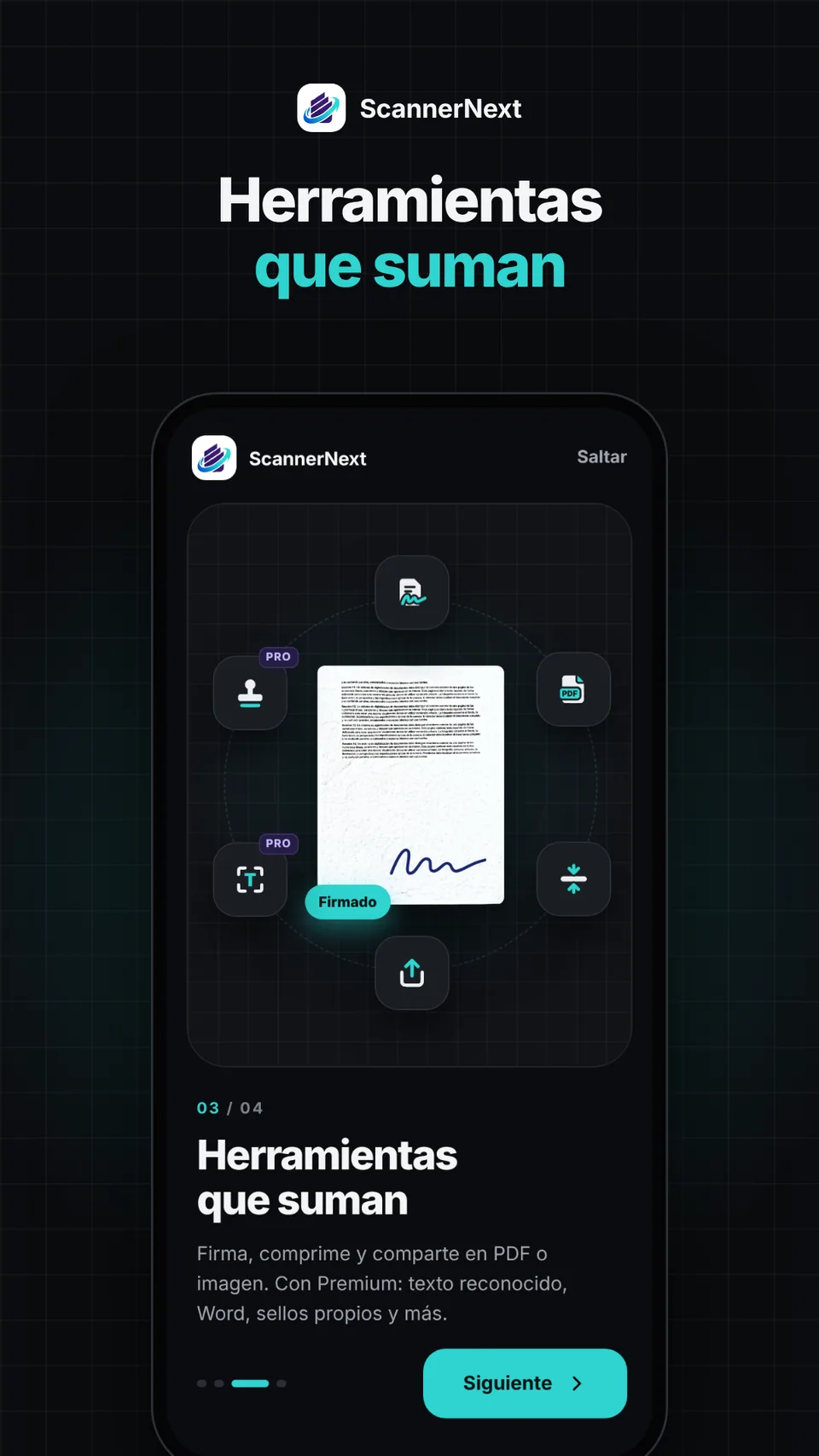
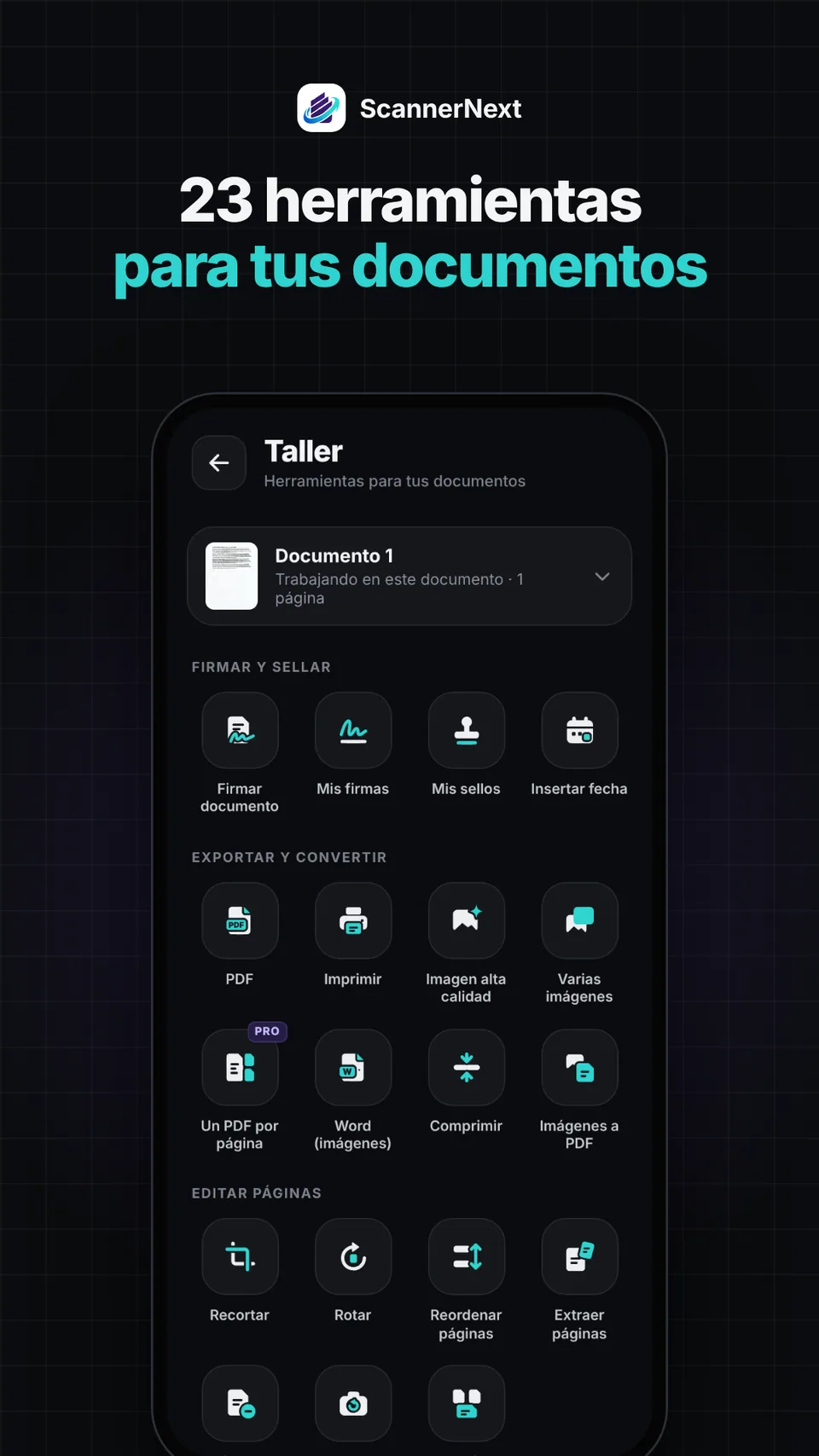
 Signatures and stamps Draw your signature or create stamps and place them on your documents.
-
 Export your way PDF, image, Word or text, generated on the phone itself.
-
 PIN or biometric lock Protect the app with Android’s lock, only if you turn it on.
Planned model
- A free version with unlimited scanning and, at most, one discreet banner at a time.
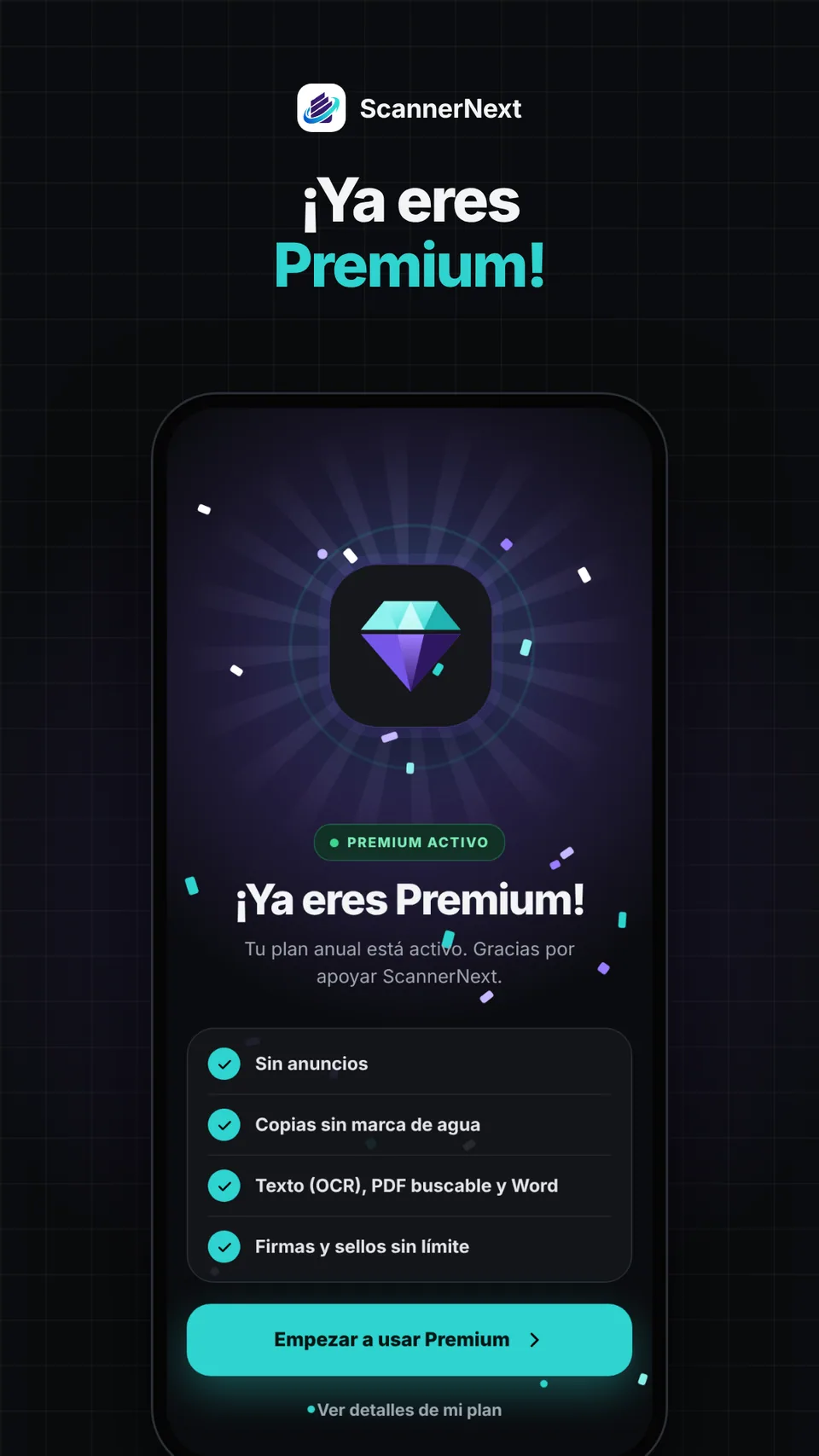
- A Premium subscription with extra features and no ads.
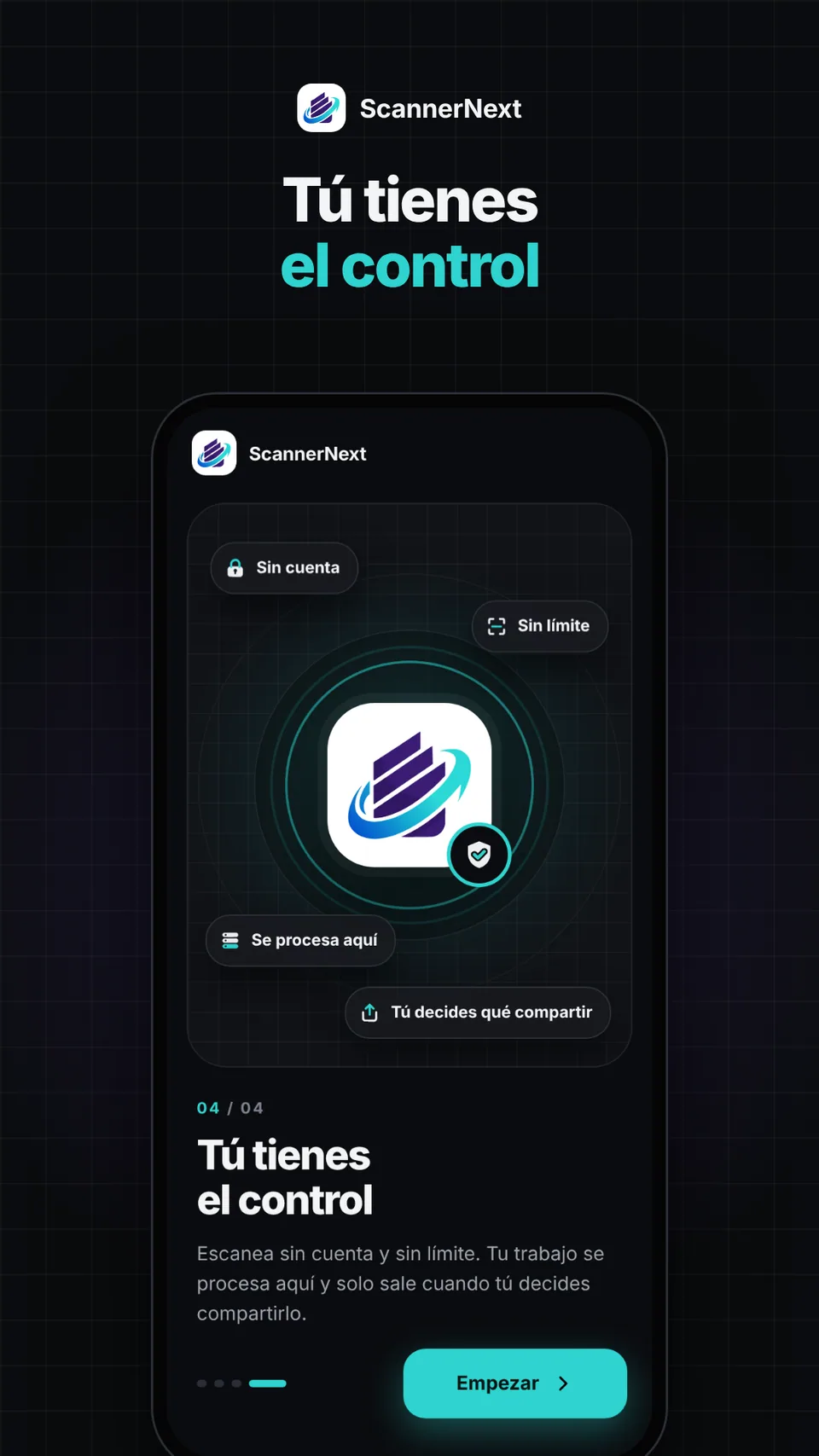
- Works offline and without an account.
According to the ScannerNext privacy policy, effective October 29, 2026. Read the policy
Status
- Privacy policy published Done
- Test build ready Done
- Closed testing In progress
- Google Play release Coming soon
Gallery
Explore ScannerNext
Tap an image to see it on the phone.
In closed testing
Coming soon to Google Play
Soon you will be able to turn any paper into a sharp digital document, right from your phone.
ScannerNext privacy